kiosk4all
The accessible POS platform. Built around people.
Give every customer the freedom to order by touch, voice or keyboard.
Accessibility is built into kiosk4all from the first interaction. Adaptable interfaces, screen-reader support and natural conversation help customers explore, customise and complete their orders in the way that suits them.
Already have software for your kiosks? Discover VoiceLaier.
Accessibility out of the box
Accessibility is part of the experience from the first interaction.
Full voice control
Customers can complete the entire ordering journey through natural conversation.
Connected operations
Manage sites, kiosks, catalogues, users, inventory and production from one platform.
Choose how to order
Speak, touch, navigate.
One order. Your way.
kiosk4all is an accessible POS platform that lets each customer order by voice, touchscreen or keyboard. These ways of interacting work with the same live order, so customers can switch between them without starting again.
Full voice control
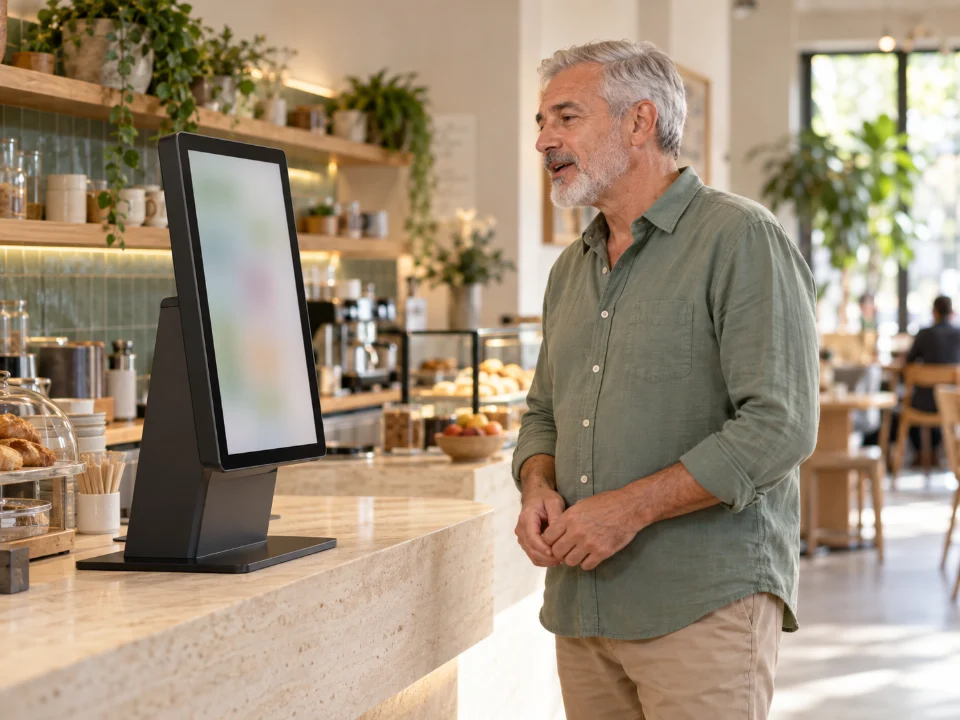
Complete the entire order through natural conversation: explore the catalogue, ask questions, customise products, make changes, review the order and confirm your choices.
Touchscreen
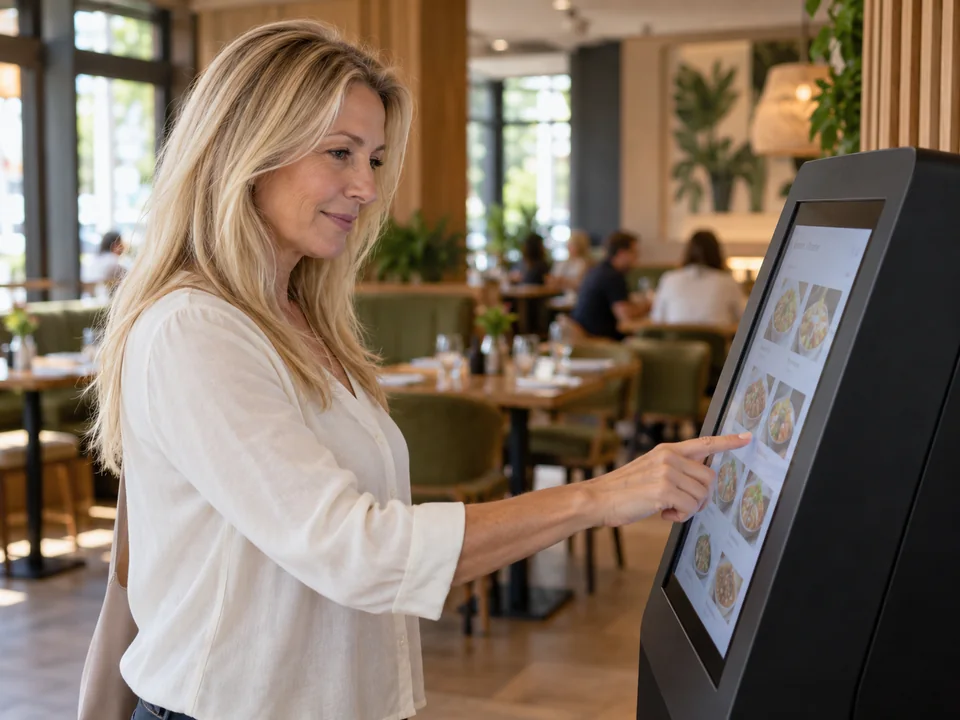
Explore the catalogue, customise products and complete the order on screen. Continue by voice or keyboard without rebuilding the order.
Accessibility built in
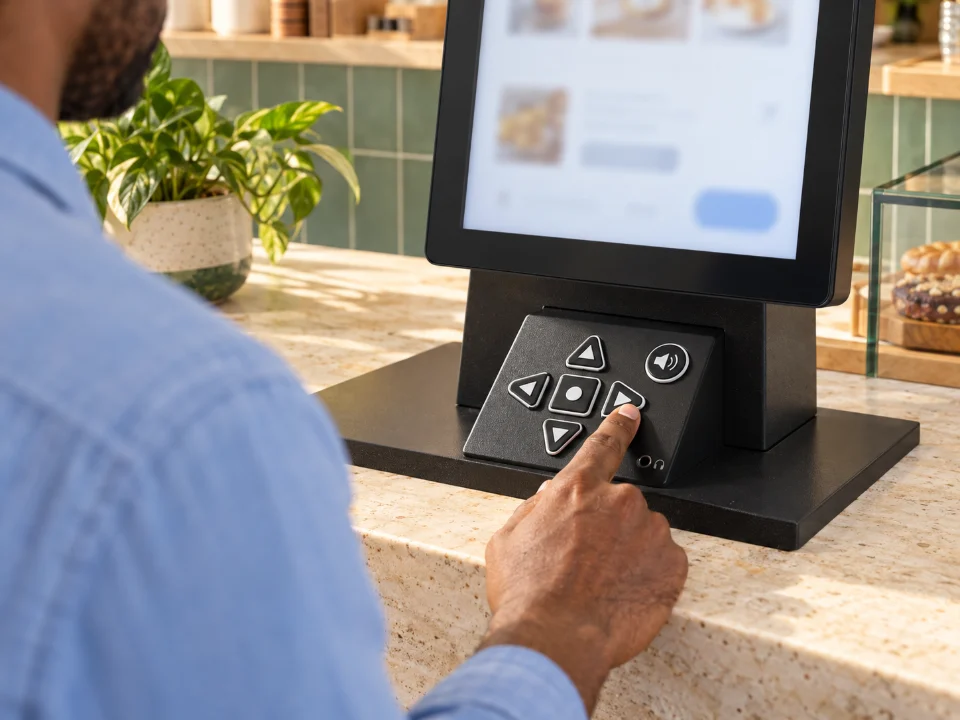
Adapt text size, contrast and presentation to different needs. Navigate with a keyboard or accessible keypad and use screen-reader support throughout the ordering journey.
Accessibility
Beyond compliance. Designed for real people.
Accessibility is not an add-on. It is built into the structure, navigation and different ways of using kiosk4all. Customers can choose how information is presented and how they want to interact, without losing their order or their place in the journey.
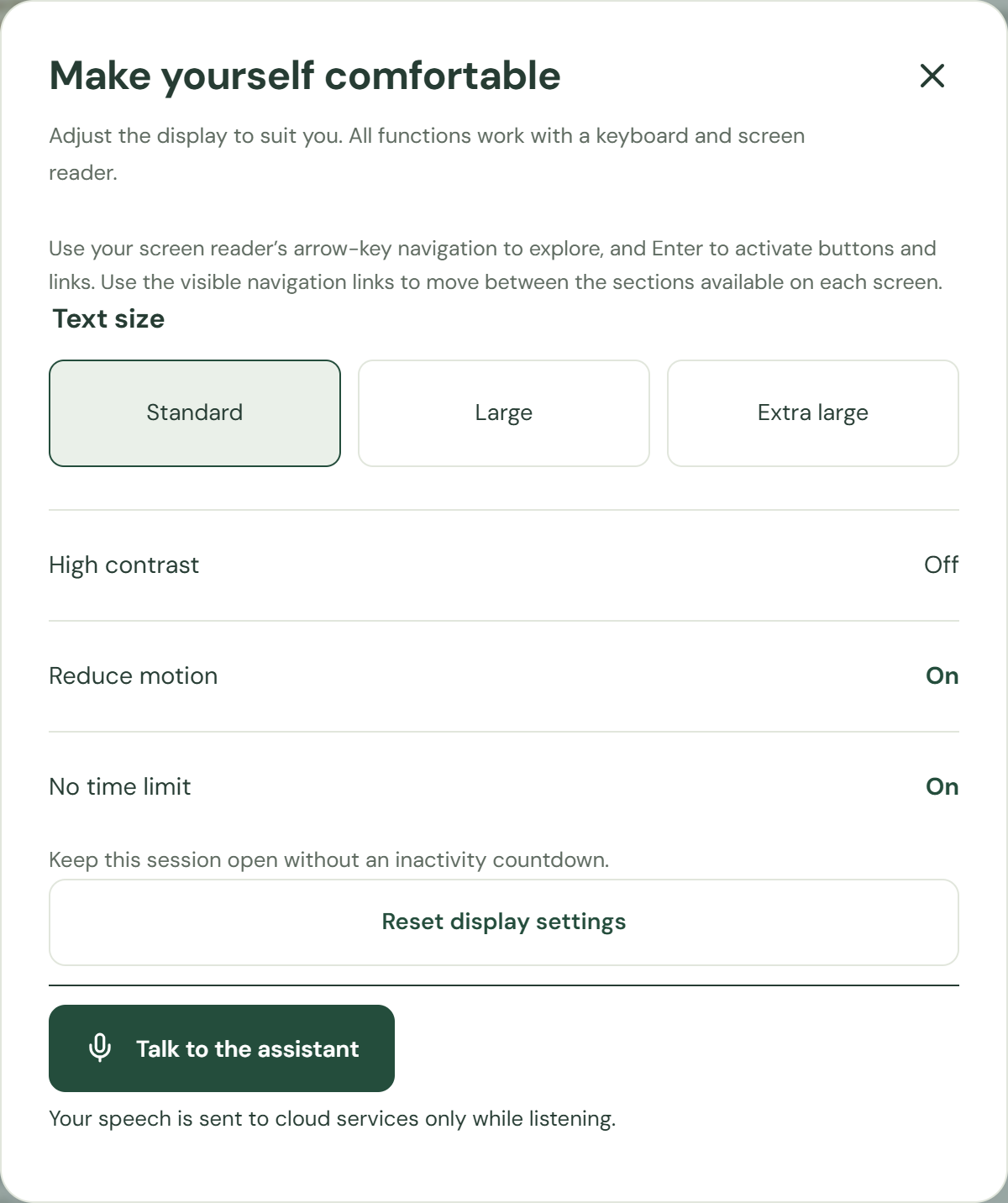
Accessibility settings
Adjust text size, contrast, motion and session duration to suit different needs and preferences.
Four presentation modes
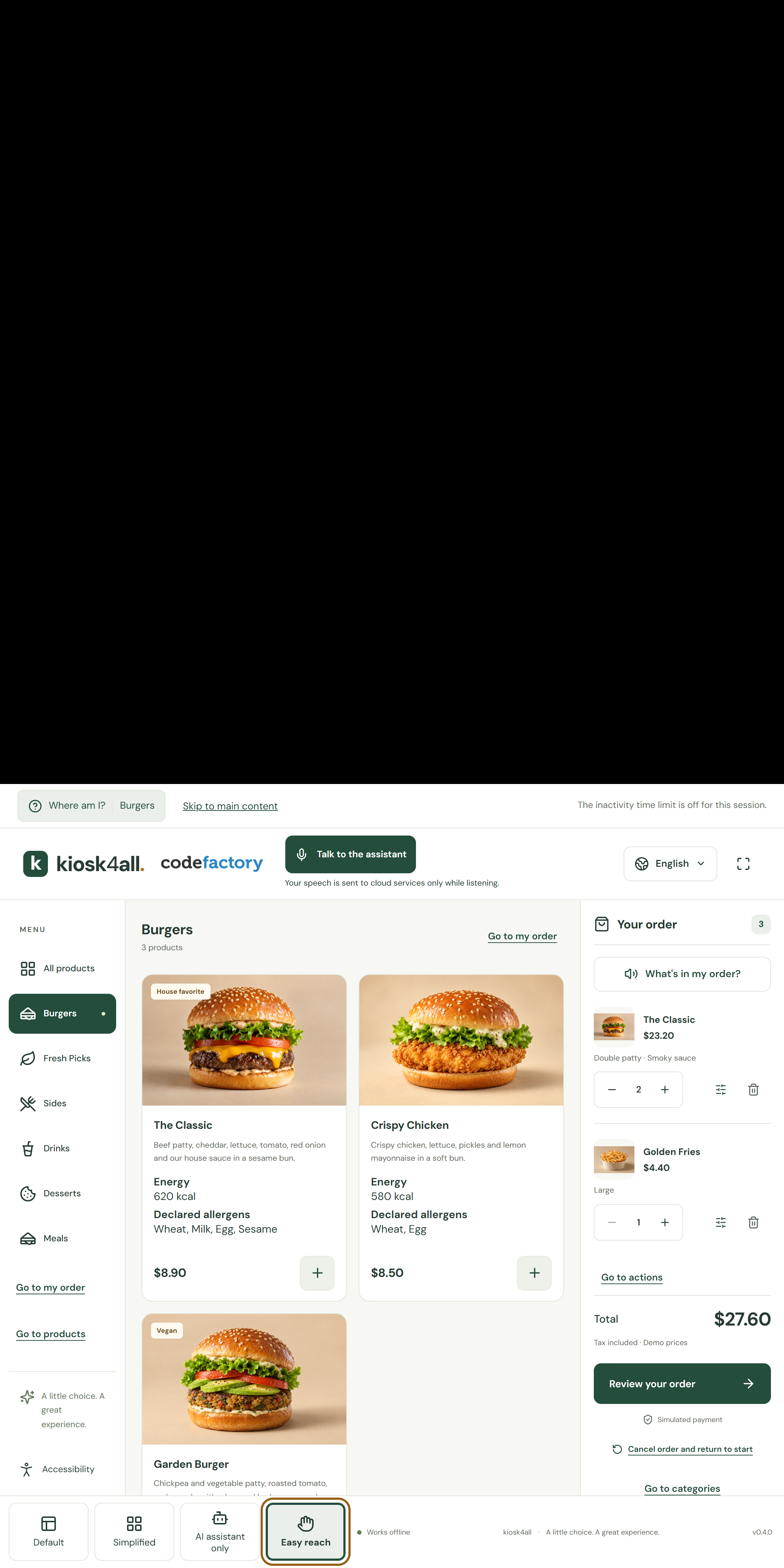
Choose between Default, Simplified, AI assistant only and Reach mode while keeping the order, language and interaction preferences.
Reach mode
Reach mode brings the complete interface to the lower half of the screen, making the kiosk easier to use for people who cannot comfortably reach higher areas.
Keyboard and accessible keypad
Help links, skip links and visible focus support complete navigation without relying only on the touchscreen.
Screen readers
Compatible with screen readers, including platform-native solutions such as Microsoft Narrator on Windows.
Easy screen-reader activation
Start screen-reader support by voice, accessible keypad or by connecting headphones.
Accessibility out of the box
Designed around WCAG AA accessibility principles and to support accessibility requirements such as ADA and the European Accessibility Act.
Voice AI
The most natural interface is conversation.
Full voice control of the entire ordering journey.
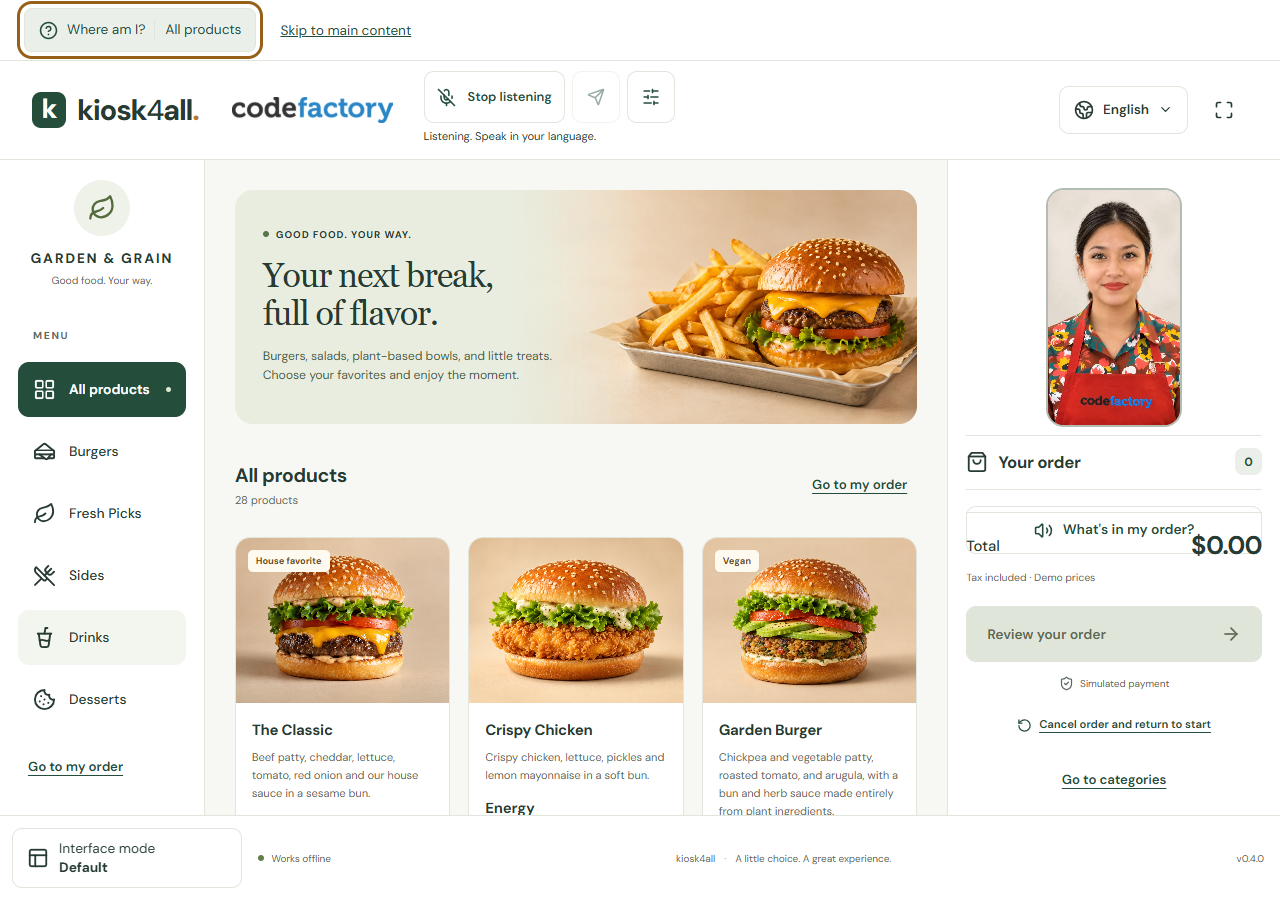
Customers can explore the catalogue, ask questions, select and customise products, change quantities, correct mistakes, review the order and confirm their choices through natural conversation.
Voice, touchscreen and keypad work with the same live order. A customer can start by speaking, continue using the screen or keypad and return to the conversation without rebuilding the order.
For blind customers, using kiosk4all can be as natural as speaking to a member of staff.
- Explore
- Ask
- Choose
- Customise
- Correct
- Review
- Confirm
Multilingual conversation
The spoken language can be different from the visual language, while the screen and order remain consistent.
kiosk4all works with AI technologies and services from OpenAI, Google, Anthropic, xAI, Meta, DeepSeek, Kimi, ElevenLabs, LiveAvatar...
Central management platform
One platform. Every site. Every kiosk.
kiosk4all connects the customer experience with the central management of the business. Teams can organise sites, adapt catalogues, control access and maintain a consistent experience across the entire network.
Sites and kiosks
Organise each location and assign the right content and configuration to every kiosk.
Catalogues and versions
Manage categories, products, options, images and multilingual content. Publish and assign the right catalogue version to each location.
Users, roles and permissions
Control what each user can view or manage across specific sites and business functions.
Brand and localisation
Adapt logos, colours, typography, welcome messages and languages for each organisation or installation.
Dashboard and analytics
Review activity across dates, sites and kiosks through clear filters and visual reporting.
Inventory and stock
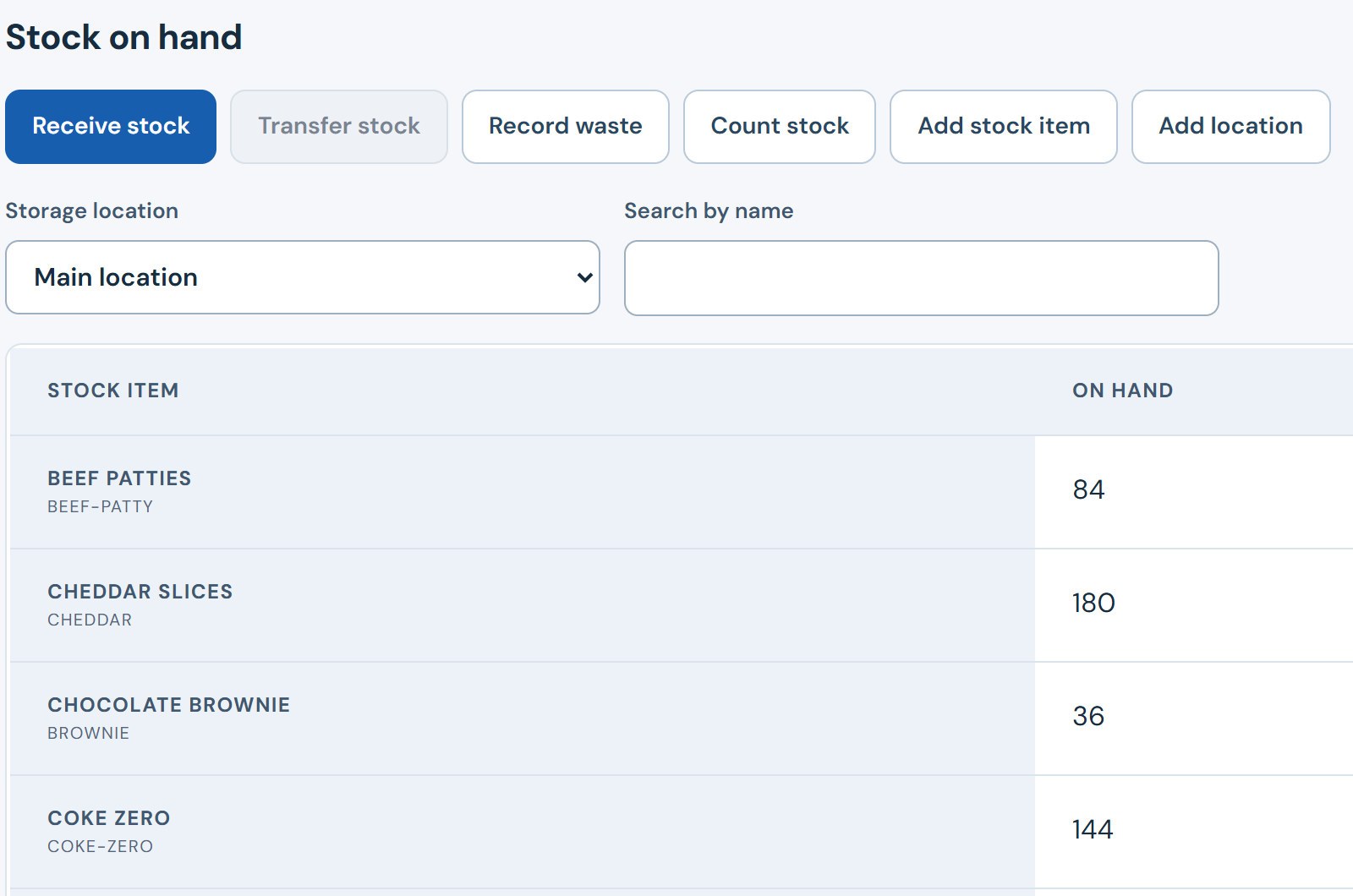
Manage stock by site and location, including receipts, losses, counts and product consumption.
Purchasing and replenishment
Organise suppliers, purchase formats, partial receipts, returns, minimum stock and replenishment movements.
Production and traceability
Manage recipes, production batches, ingredient consumption, lots and movements between locations or sites.
Connected operations
The right views for every role.
kiosk4all connects customer-facing ordering with the operational views used across the venue, keeping products, options, orders and business information consistent.
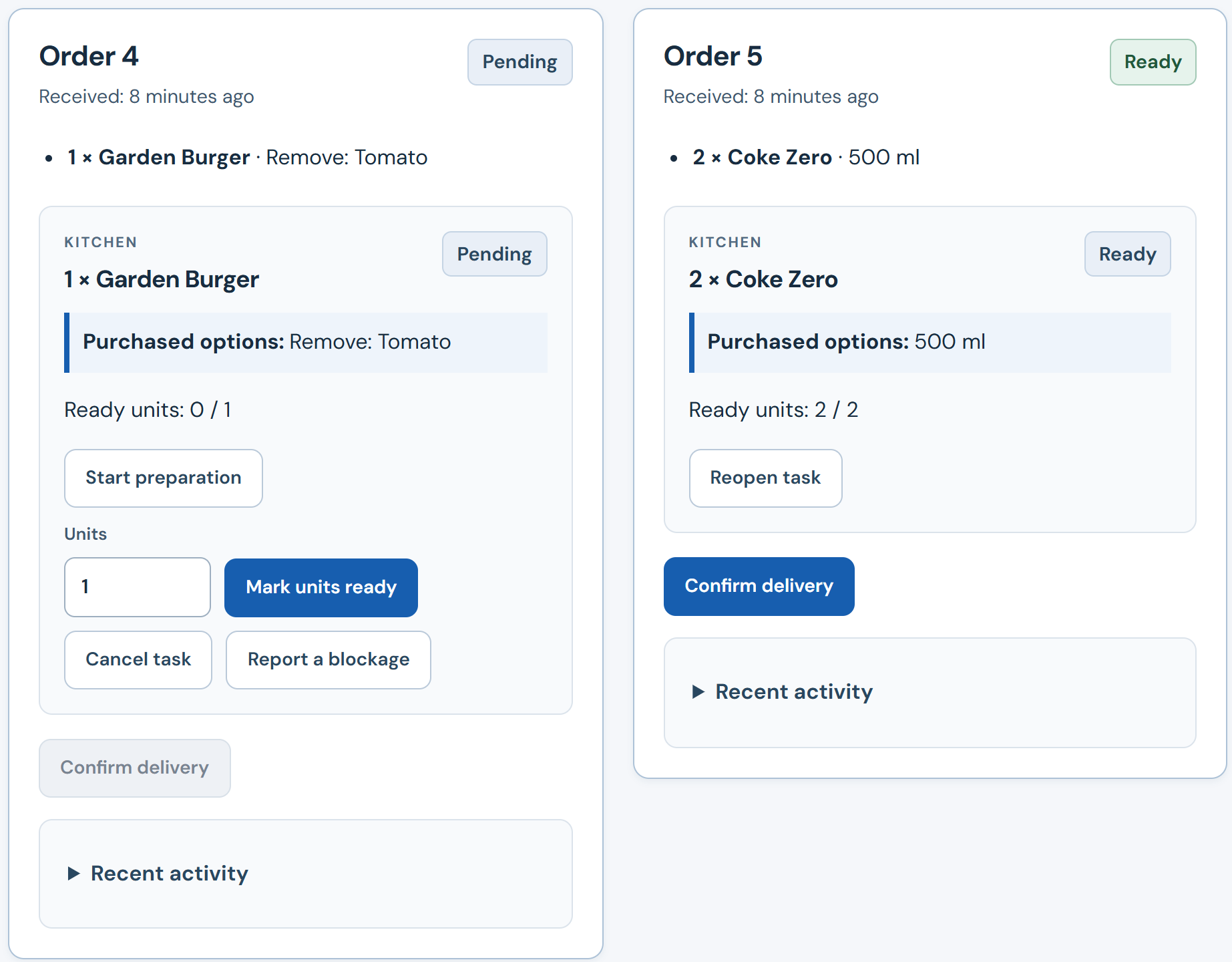
Kitchen Display
Receive orders, organise preparation and update their status from new to ready.
Cashier and bar
Support assisted ordering, order changes, payment and service from a dedicated operational view.
Waiter terminal
Create and update orders from the floor using the same catalogue and product information.
Table management
Organise tables, occupancy, assignments and the complete service flow.
Inventory and replenishment
Connect customer demand with stock, purchasing, production and movement between locations.
Product interfaces shown in English.
Video
kiosk4all on video
Audio and subtitles in English.
Read the video transcript
Hi! I’m Felipa, the virtual waitress in the kiosk4all demos. Talk to me to explore the menu, choose items, customize your order, and review it. You can also combine voice with the screen or keyboard—you choose how to interact. kiosk4all offers different modes, from step-by-step voice assistance to conversations powered by native voice AI, with a supporting agent to handle your order actions. We integrate some of the best-known AI technologies and can converse in different languages, depending on the configuration. And although I welcome you as a waitress, kiosk4all goes beyond restaurants: our demos also showcase self-service experiences for retail and transportation. It also includes a management portal to organize your kiosk fleet, locations, and users, and to create, translate, and publish catalogs. You can choose which content each kiosk receives and tailor the assistant’s instructions to each location. Want to see it in action? Discover the kiosk4all demo!
The video could not be loaded. You can try opening it directly.
Open video
- kiosk4all
- Our software proposal for the self-service experience.
- VoiceLaier
- A voice layer to incorporate into software that already exists.
Does your business already have a self-service solution?
Your software already exists.
Give it a voice with VoiceLaier.
If you already have software for your kiosks, the conversation does not have to start with replacing it. VoiceLaier is our product for adding a layer of voice interaction to existing self-service solutions.
The aim is to add voice requests and navigation to the software’s user journeys. The scope is evaluated with the manufacturer or the team responsible for the solution.
Do you develop self-service or POS software? Discover how to explore adding voice to your own products.
Discover VoiceLaierkiosk4all
Make self-service work for everyone.
Combine accessible self-service, full voice control and connected operations in one platform.
Request a demo Already have kiosk or POS software? Discover VoiceLaier.